
DialX vs Traditional CRM: Which Is Better for Sales Teams?
16
Jul
DialX vs Traditional CRM: Which Is Better for Sales Teams?
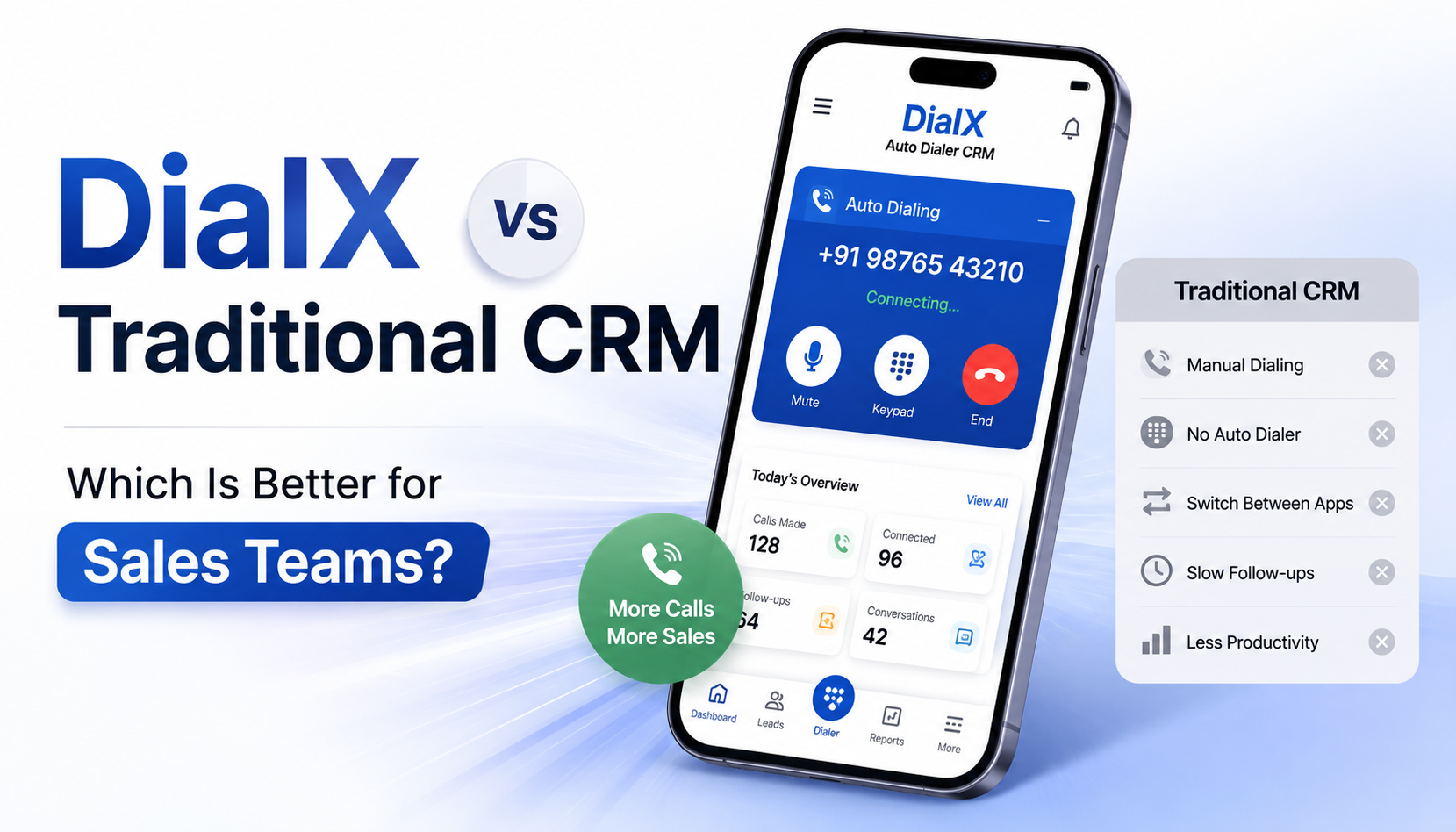
If your team spends most of the day on the phone, the CRM you pick isn't really a "software decision" — it's a decision about how many extra steps stand between a lead and a conversation. This is a straight comparison of DialX, a CRM with Auto Dialer built specifically for calling-heavy teams, against the traditional model of running a general CRM alongside a separate dialer tool.
Traditional CRMs manage contacts and pipelines but usually need a third-party dialer, connected through an integration, to actually make calls. DialX builds the dialer directly into the CRM, so calling, recording, and lead tracking run through one system instead of two stitched-together ones. Teams that call leads daily tend to get set up faster and pay less with DialX; teams that rarely call and mostly manage email or long B2B cycles may not notice much difference either way.
What Do We Mean by "Traditional CRM"?
When people compare CRMs, "traditional" usually refers to a general-purpose Customer Relationship Management Software — built to store contacts, track deals, and manage a sales pipeline. Calling isn't part of the core product. If a team wants to dial from inside the CRM, they typically add a third-party auto dialer or call-center tool through an app marketplace integration.
That approach isn't wrong — it's just a different starting point. It works well for teams whose main activity is email, proposals, or long sales cycles where calling is occasional rather than constant.
Where DialX Starts From a Different Place
DialX was built around a different assumption: that for telecalling teams, recruiters, insurance agents, and outbound sales reps, the call is the core activity — not an add-on to a contact record. So instead of a CRM with a dialer bolted on, DialX is a Telecalling CRM where the dialer, the call recording, and the Lead Management Software layer are one connected system from day one.
In practice, that changes a few things: setup is faster because there's no separate dialer account to configure and connect, and every call is recorded and logged automatically instead of depending on whether the integration supports it.
DialX vs. Traditional CRM + Dialer: Feature by Feature
Where a Traditional CRM Still Makes Sense
Fair comparisons cut both ways. A general Business CRM Platform can be the better fit when a team's main workflow doesn't revolve around calling — for example, enterprise deals that move through email threads, legal review, and multiple stakeholders over months. In those cases, the depth of custom pipeline stages, advanced reporting, or a specific integration ecosystem might matter more than built-in dialing.
If your team makes a handful of calls a week rather than dozens a day, you may not feel the friction that DialX is built to remove — and a broader, more general-purpose CRM might already cover what you need.
Which One Should You Actually Choose?
Choose DialX if: your team's day is built around outbound or inbound calls — Sales CRM Software needs for telecalling, recruitment, insurance, real estate, or BPO operations where every missed call or unrecorded conversation costs you a lead.
A traditional CRM may still fit if: your pipeline is driven by email, demos, or long enterprise cycles, and calling is a smaller part of how deals move forward.
Not sure where your team Fits ? See how DialX supports different industries on the main DialX product page, or compare plans on the pricing page.
What Switching Actually Looks Like
Moving off a traditional CRM setup usually comes down to three things: migrating your contact and deal data (typically a CSV import), reconnecting any tools you rely on through DialX's integrations, and retraining your team on one interface instead of two. Most teams complete this in under a week, since there's no separate dialer account to migrate or reconfigure.
Historical call recordings stored in a third-party dialer may need a manual export, since that data lives outside the CRM itself in a traditional setup — one more hidden cost of the two-tool model that's worth planning for before you switch.
Frequently Asked Questions
What's the main difference between DialX and a traditional CRM?
A traditional CRM stores your contacts and deals but usually needs a separate dialer plugged in to actually call anyone. DialX has the dialer built right in, so it's all one system, not two glued together.
Is DialX cheaper than running a CRM and a dialer separately?
Generally yes — you're paying for one tool instead of two subscriptions (plus whatever the integration between them costs).
Do traditional CRMs support call recording?
Sometimes, but it depends entirely on which dialer they're connected to. With DialX, every call just gets recorded automatically — nothing to configure.
Which is better for a small business, DialX or a traditional CRM?
If you're calling leads regularly, DialX — it's faster to set up and there's no separate dialer to wrestle with. If calling isn't a big part of your day, a general CRM might do just fine.
Can I switch from a traditional CRM to DialX without losing my data?
Yes, your contacts and deal history move over through a simple import. Just know that old call recordings sitting in your previous dialer may need to be pulled out separately, since that data usually isn't part of the CRM itself.
See the Difference on Your Own Leads
The comparison only really means something once it's your contacts, your call volume, and your team using it. Try DialX free and see whether the built-in dialer changes how many leads actually get a follow-up call.
.png)
.png)



.png)


1.png)
2.png)
2.png)
.png)


3.png)