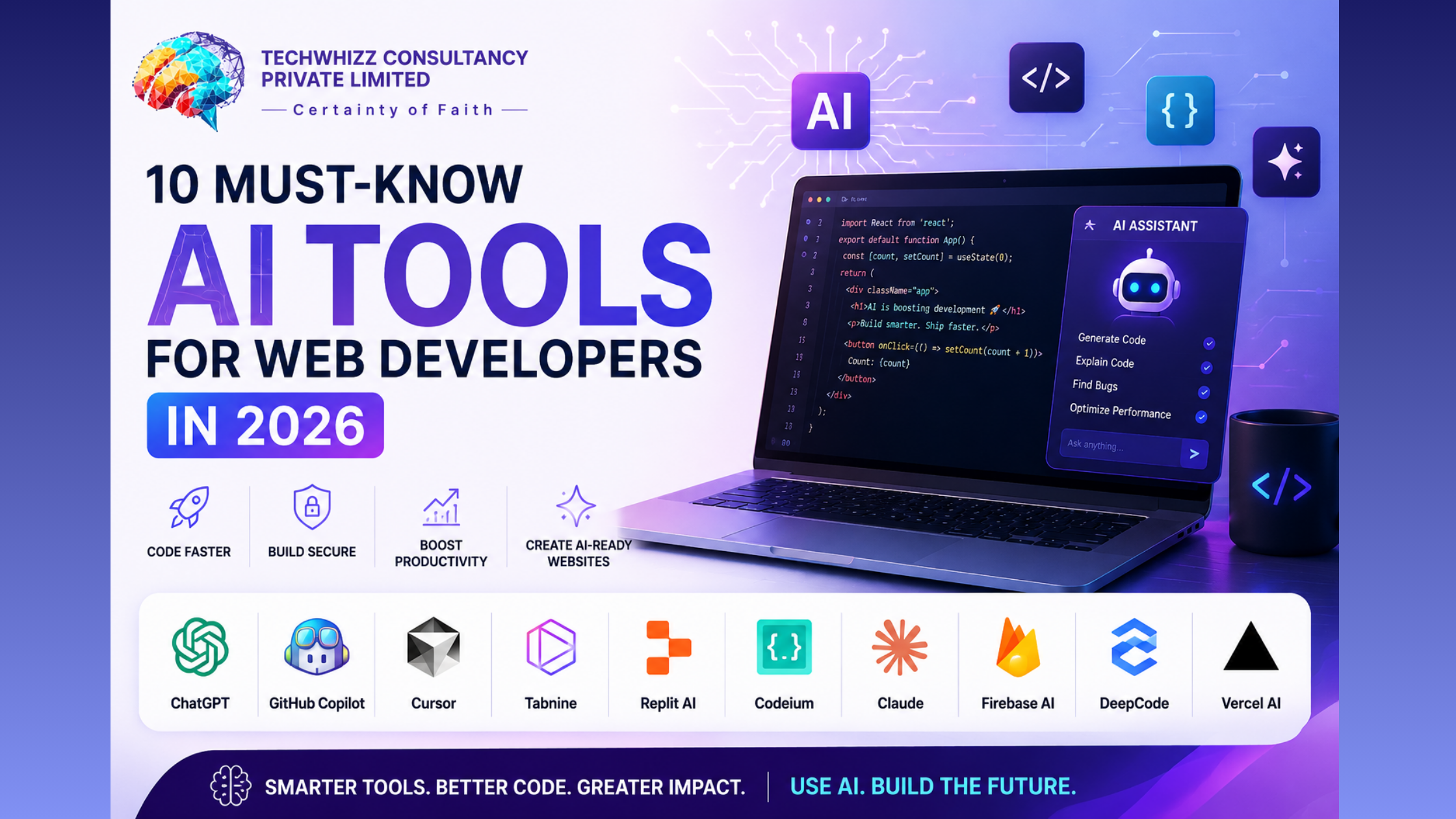
10 Must-Know AI Tools for Web Developers in 2026
13
Apr
10 Must-Know AI Tools for Web Developers in 2026
The web development landscape in April 2026 is no longer about just writing code; it’s about orchestrating Agentic workflows. With the rise of AEO (Answer Engine Optimization), websites must now be built to serve both human visitors and AI agents.
Whether you are a freelancer or part of an enterprise team, these 10 AI tools are the current industry standard for speed, security, and scalability.
1. Cursor: The New Standard IDE
Cursor has overtaken traditional editors by integrating AI directly into the core. Its "Composer" mode allows you to describe a feature, and it will simultaneously edit multiple files (frontend, backend, and types) to implement it.
Best for: Deep repository context and multi-file refactoring.
2. Claude Code: The Terminal Agent
Anthropic's latest terminal-first tool, Claude Code, acts as an autonomous collaborator. It can run shell commands, fix failing tests, and commit code directly from your CLI.
Best for: Complex logic, debugging, and terminal-heavy workflows.
3. Bolt.new: Full-Stack Instant Prototypes
Bolt.new allows you to prompt an entire full-stack application into existence. It handles the environment setup, database integration, and deployment previews in seconds.
Best for: Rapid prototyping and building MVPs (Minimum Viable Products).
4. GitHub Copilot Workspace
Copilot has evolved from a "ghostwriter" to a "project manager." You can now start with a GitHub Issue, and the AI will generate a plan and a full Pull Request for you to review.
Best for: Streamlining the transition from task management to code.
5. v0 by Vercel: Generative UI
For frontend specialists, v0 is the gold standard for React and Tailwind CSS. Simply describe a UI component or upload a screenshot, and it generates high-quality, accessible code.
Best for: Component design and rapid UI iteration.
6. Profound: The AEO Visibility Tracker
As search shifts to Answer Engines, Profound helps developers and SEOs see how their site is cited by AI like Gemini and ChatGPT. It’s essential for modern Generative Engine Optimization (GEO).
Best for: Monitoring brand visibility in AI-generated search results.
7. Snyk AI: Security-First Coding
Security is paramount in 2026. Snyk AI doesn't just find vulnerabilities; it provides AI-generated "fixes" that you can merge instantly, ensuring your code is secure before it ever hits production.
Best for: Automated security audits and real-time vulnerability patching.
8. Supermaven: The Low-Latency Speedster
With a massive 1-million-token context window, Supermaven is the fastest autocomplete tool on the market. It understands your entire codebase without the "lag" often found in other AI extensions.
Best for: High-speed coding and massive monorepos.
9. Applitools Eyes: Visual AI Testing
Traditional testing often misses "visual bugs." Applitools uses visual AI to ensure your site looks perfect across every browser, device, and screen resolution by comparing snapshots.
Best for: Quality Assurance (QA) and visual regression testing.
10. Midscene.js: The "Agentic" Testing Tool
A newcomer in the "Agentic" era, Midscene allows you to write tests in plain English. Instead of writing complex CSS selectors, you tell the AI to "click the login button and check for the dashboard," and it finds the elements for you.
Best for: Simplifying E2E (End-to-End) testing.
Frequently Asked Questions (FAQ)
1. Will AI tools replace web developers in 2026?
No. While AI handles the "how" (coding), the developer is responsible for the "why" (architecture, business logic, and creative direction). AI is a high-speed engine, but you are still the driver.
2. What is the difference between SEO and GEO?
SEO (Search Engine Optimization) focuses on ranking links in a list. GEO (Generative Engine Optimization) focuses on making your content "referenceable" so that AI models like Gemini or ChatGPT cite your site in their generated summaries.
3. Are AI coding assistants secure?
Most modern tools (like Amazon Q or Snyk) have built-in security filters. However, you should always review AI-generated code for potential vulnerabilities or "hallucinations" before deploying to production.
4. Which tool is best for beginners?
Cursor and v0 are highly recommended for beginners because they provide visual feedback and clear explanations for the code they generate, making them excellent learning aids.
5. How do I make my website "AI-friendly"?
Focus on AEO (Answer Engine Optimization). Use clear headers, structured data (Schema markup), and concise FAQ sections that provide direct answers to common user questions.
Conclusion: The Shift to "Agentic" Development
In April 2026, the goal is no longer just "shipping code." The most successful developers are those who use AI to handle repetitive tasks—like boilerplate, documentation, and basic testing—so they can focus on architecture and user experience. By mastering these tools, you aren't just coding faster; you are building more resilient, AI-ready web experiences.
.png)
.png)



.png)
1.png)
2.png)
2.png)
.png)